 Grain
How to Make a Photo Dump on iPhone
In short
- Collect every candidate photo and clip into one album
- Cut the set down to 6 to 12 frames
- Choose a cover that makes people swipe
- Order the rest so the set has a rhythm
- Lay it out as a carousel or an animated story
- Write a short caption and post
To make a photo dump, gather a period's photos and clips into one album, cut them down to the 6 to 12 best frames, open with your strongest image, order the rest for rhythm, then post them as a carousel or an animated 9:16 story. The steps below take you from a cluttered camera roll to a finished post.
Step 1: Collect everything into one album
Open Photos and create an album for the period, for example "November". Scroll back through the month and add anything that might make it: photos, screenshots of a playlist or a ticket, short videos, Live Photos. Don't judge yet. The aim is to have every candidate in one place.
Tip: search Photos for a place or a word ("beach", "dinner", "Lisbon") to surface shots you forgot about.
In Grain, the This Month card on the home screen is the shortcut: tap Create and pick straight from that album.
Step 2: Cut down to 6 to 12 frames
Now be ruthless. Favourite the photos you'd be sad to leave out, then filter the album to favourites. Remove near-duplicates and keep the one with the best light or the most honest expression.
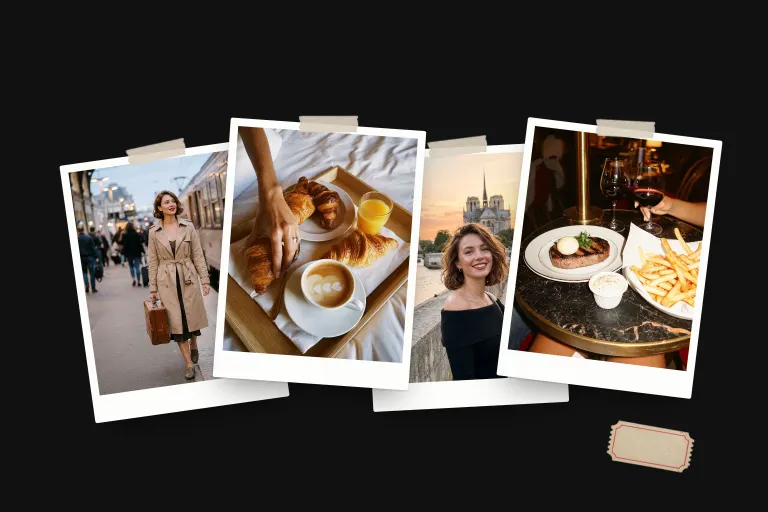
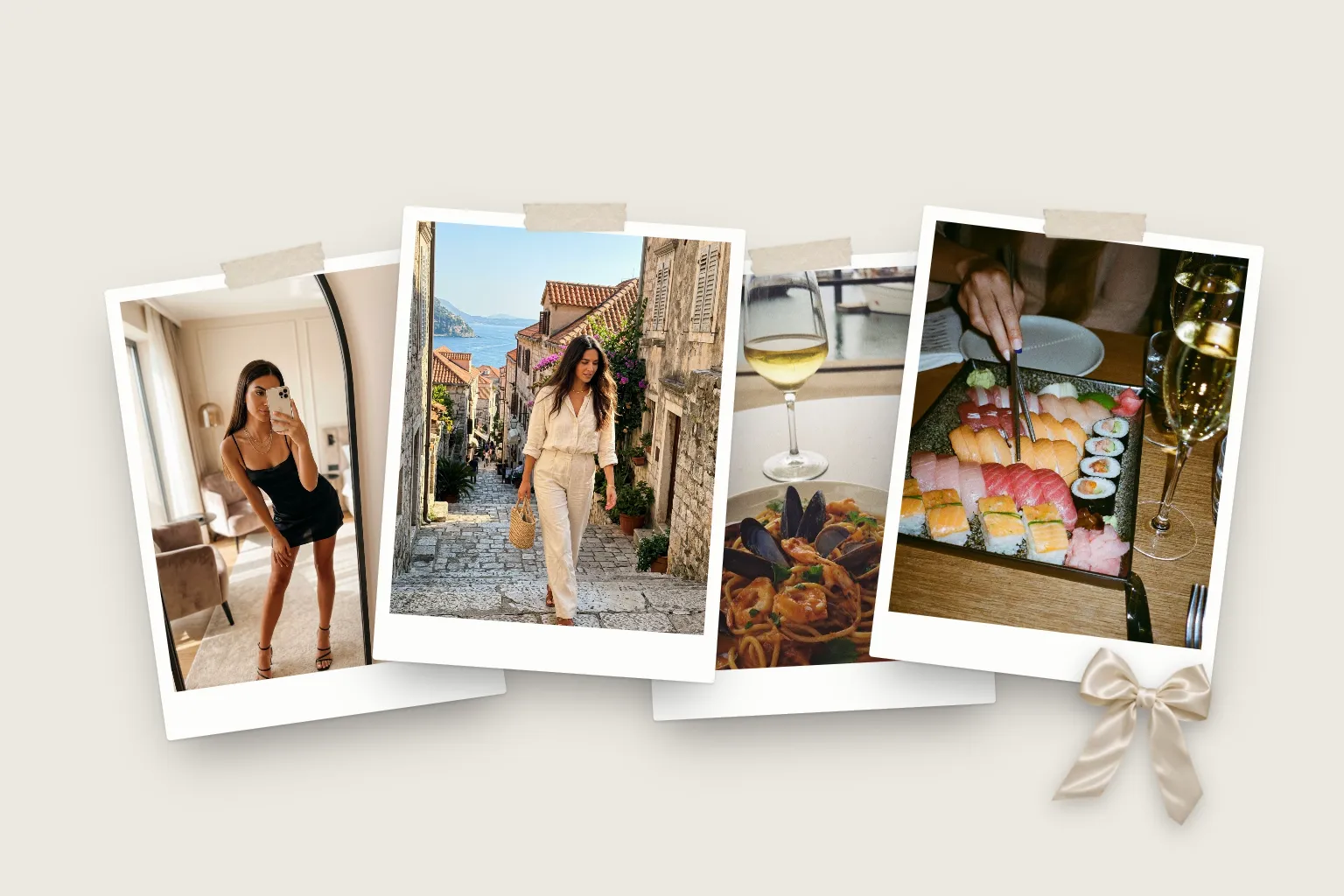
Aim for a mix of distances: a few wide shots that set the scene, a few of people, and several close-ups of details like food, hands, a menu or a view out of a window. Variety is what makes a dump feel like a story rather than a list.
Step 3: Choose the cover
The first frame decides whether anyone swipes. Pick an image that is bold at small sizes: a face, strong colour, or something unexpected. A full-bleed mirror selfie or a city at golden hour both work. Avoid starting with a busy group shot that reads as noise in a feed.
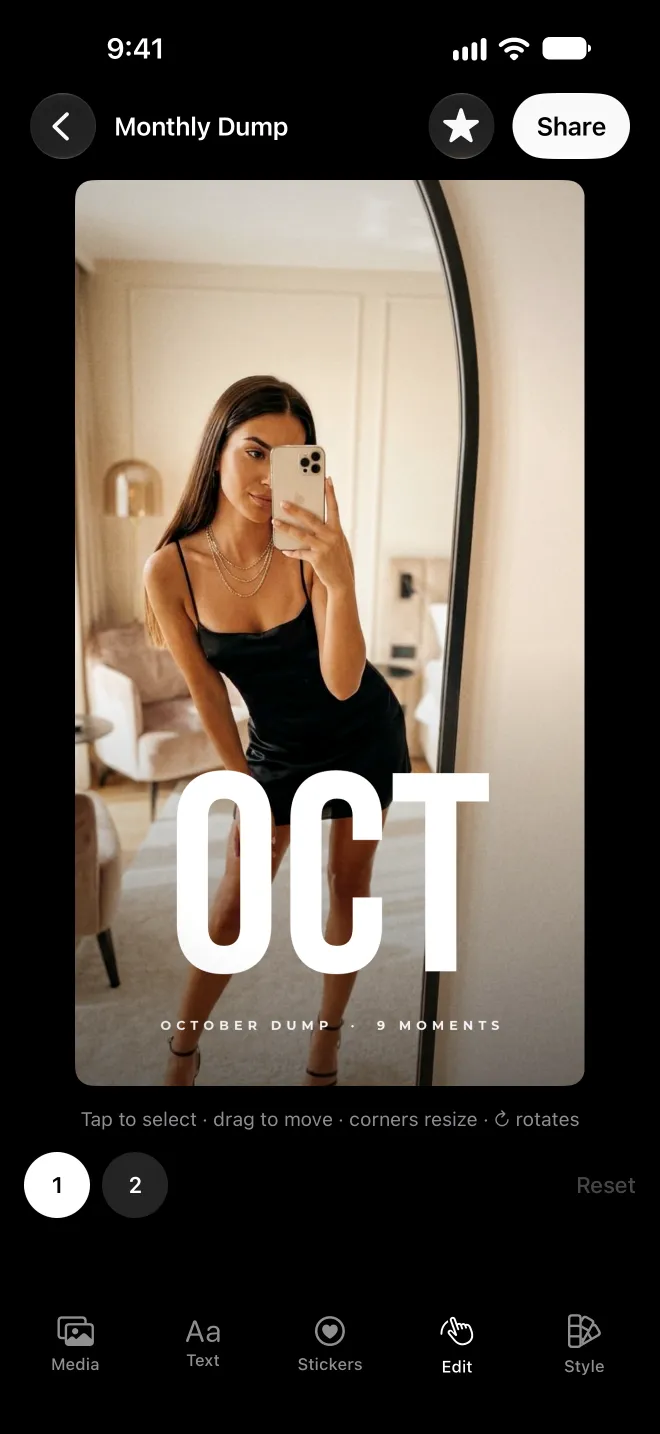
In Grain, the first photo you pick becomes the cover. The Monthly Dump template opens on it full bleed, with the month set in big letters across it.
Step 4: Order the rest for rhythm
Alternate wide and close, people and places, light and dark. Save a strong image for the end so the set lands. Our ordering guide has simple sequences you can copy.
In Grain, your photos sit in order along the media strip under the story. Touch and hold one, then drag it along the row to move it. The story follows the new order.
Step 5: Lay it out
You have two good options.
- Carousel. Post the photos as they are. Carousel posts take up to 20 photos and videos. Crop everything to the same ratio (4:5 portrait fills the most screen) so the swipe feels smooth.
- Animated story or reel. Put the photos into a template so they move, carry a date and play on their own. This is the format most monthly recaps use.
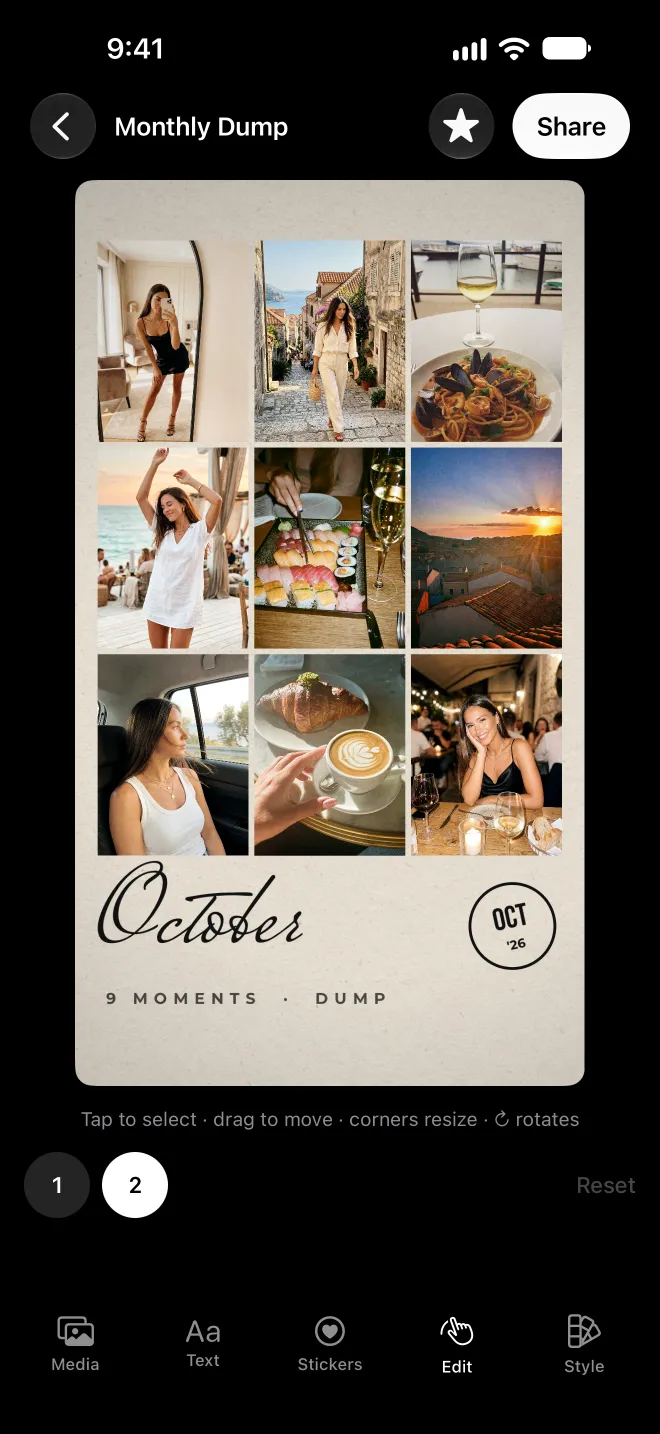
In Grain, the Monthly Dump template lays your photos out with a cover, a grid and the month written in by hand. Tap any photo, word or sticker to change it. Prefer another look? Templates like Roll Credits and Month Receipt work with the same photos.
Step 6: Caption and post
Keep the caption short. The photos do the work. A single line, the month's name or an in-joke usually beats a paragraph. For ideas, see 120 photo dump captions.
Export at 9:16 (1080 by 1920 pixels) for stories and reels. In Grain, tap Share, choose Video or Photo, and save. It goes straight to your Photos library at that size, ready for wherever you post. If you're posting a monthly dump, the 1st of the month is the natural moment: everyone is looking back at the month just gone.
Questions
What size should a photo dump story be?
Stories and reels are 9:16, which is 1080 by 1920 pixels. Grain exports at exactly 1080×1920. Keep text away from the top and bottom 250 pixels or so, where the app's buttons sit.
Can I add videos to a photo dump?
Yes. Short clips are what make a dump feel alive. Keep each one to a few seconds. In Grain you can trim every clip, and it keeps your clips' own sound.
How long does it take to make a photo dump?
Choosing the photos takes the longest. Once you have your shortlist, laying it out in a template app takes about a minute.
Do I need a paid app?
No. You can post a carousel straight from your camera roll for free. Template apps like Grain save time and add layout, motion and a date. Grain's first 3 exports are free.