 Grain
How to Order Photos in a Photo Dump
In short
- Pick a cover that reads at thumbnail size
- Put a second strong image in slot two
- Alternate distances: wide, mid and close
- Group by time or colour, not at random
- End on a photo that closes the story
Order a photo dump like a short story: open with the strongest image, put another strong one second, alternate wide shots, people and close-ups through the middle, and end on a photo that feels like a full stop. The same nine photos can feel random or deliberate depending only on their order.
The cover does most of the work
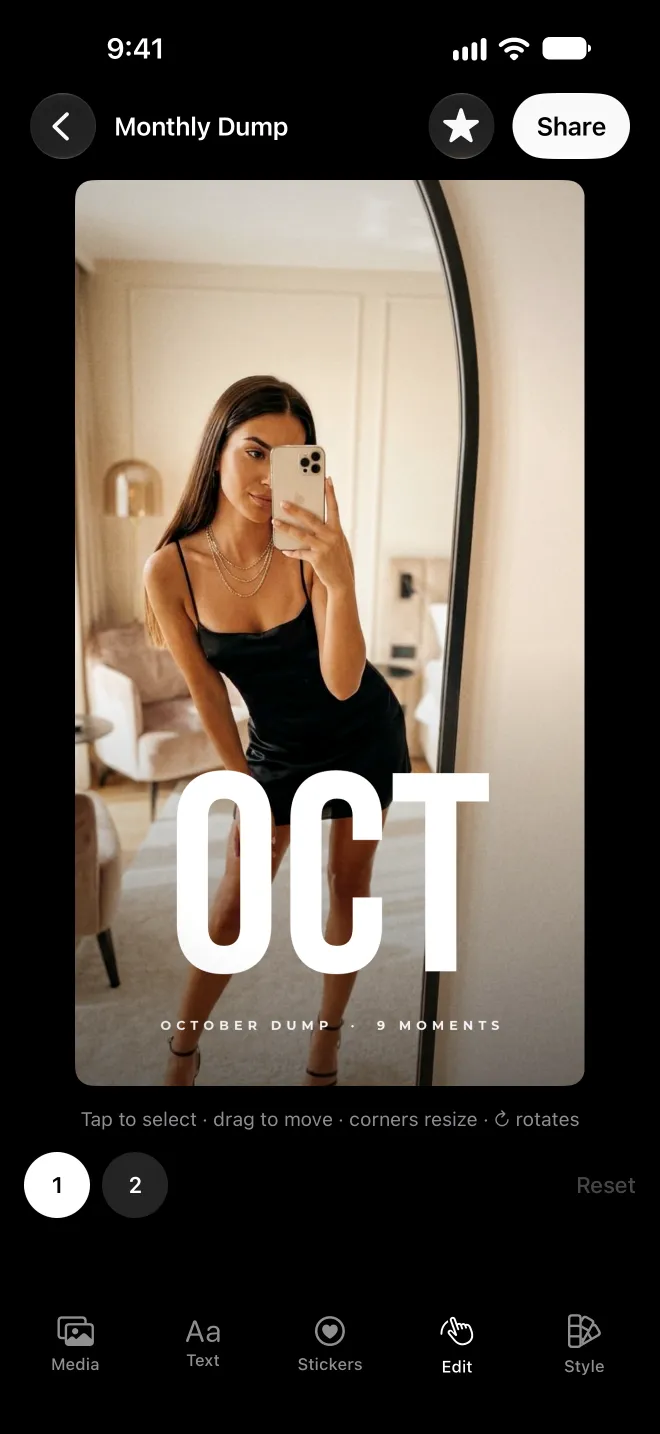
In a feed, your first image is a thumbnail competing with everything else. Pick one that reads small: a clear face, a strong colour, a simple composition. Busy group shots and dark photos lose at thumbnail size, however much they mean to you.
Slot two matters almost as much. It's what people see the moment they decide to swipe, so it should reward them straight away.
Five sequences you can copy
1. The rhythm
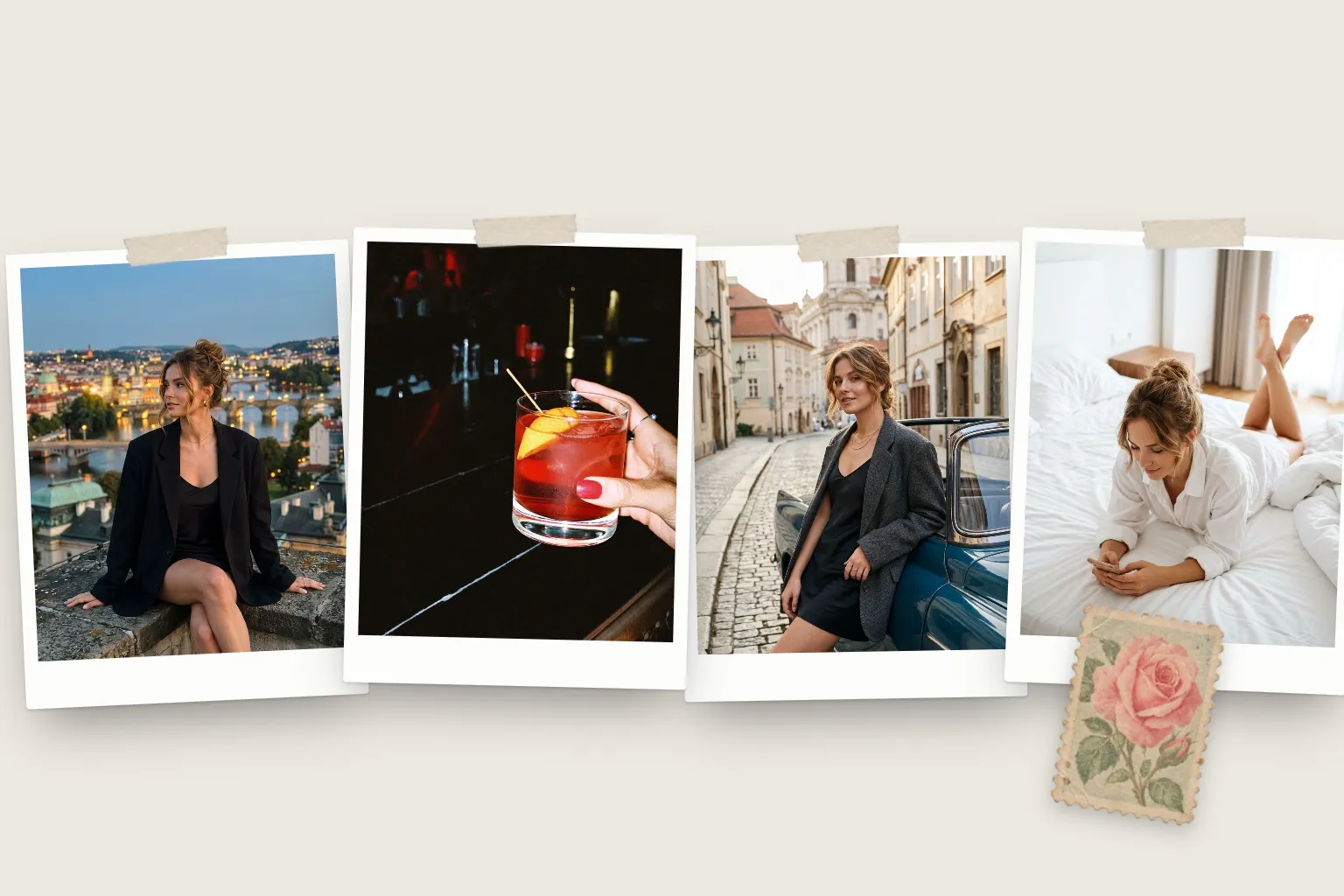
Wide, close, person, wide, close, person. Alternating distance keeps the eye moving and is the simplest way to make any set feel designed.
2. Day to night
Morning light first, evening and night shots last. It works for a single day, a weekend or a whole month, and the change of light gives the set a natural arc.
3. Colour blocks
Group photos by colour: warm tones together, then cool, then neutrals. It looks intentional even when the photos are from different weeks.
4. The bookend
Open and close with photos of you, and let the middle be the world around you: places, food, friends. It frames the dump as your month.
5. Chronological with edits
Run in order of time, then move your best shot to the front and your second best to the end. You keep the story without burying the highlights.
Common mistakes
- Two near-identical shots side by side. Keep the better one.
- Front-loading every good photo. Save something for the end so the set lands.
- All the same distance. Nine mid-shots in a row feel flat, however good each one is.
- Mixed crops. In a carousel, crop everything to the same ratio so the swipe stays smooth.
Ordering in an animated dump
In a story or reel, order also sets the pace. Templates handle the timing, but you still choose who goes first. In Grain, the media strip under the story shows your photos in order. Touch and hold a photo, then drag it along the row to reorder, and the template's motion follows: the cover opens the story and later photos arrive on the beat.
Questions
What should the first photo in a photo dump be?
Your strongest single image: something that reads at thumbnail size, like a face, a bold colour or a striking view. The first frame decides whether people swipe.
Should a photo dump be in chronological order?
It doesn't have to be. Chronological order is easy and works well for trips, but ordering by rhythm or colour often feels better. Most people mix: rough chronology with the best shots moved to the start and end.
Where should videos go in a photo dump?
Two or three slides in. By then people have committed to swiping, and the movement rewards them. A clip at the very end can work too, as a closing moment with sound.