 Grain
How to Make a Year in Review Photo Dump
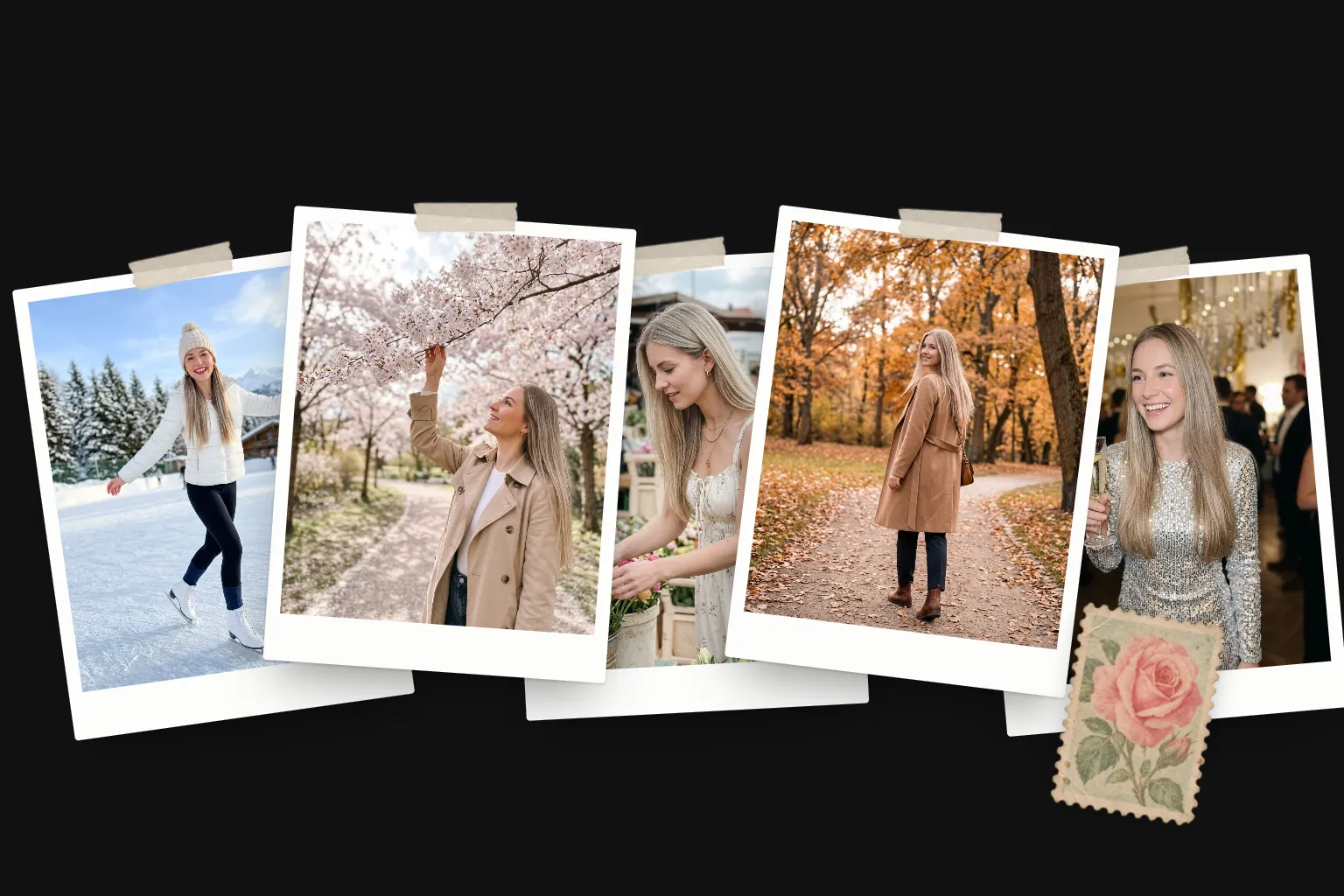
In short
- Make an album for the year
- Pick one to three photos per month
- Choose a format: grid, 12-month story or highlights reel
- Order the year with a strong opening and closing
- Post in the last days of December or on January 1st
To make a year in review photo dump, make an album for the year, pick one to three photos for each month, choose a format (a grid, a 12-month story or a fast highlights reel) and post it in the last days of December. If you post monthly dumps, you've already done most of the work.
Step 1: Make an album for the year
Create an album called "2026". Add your favourites first, then go month by month. If you posted monthly dumps, start with those photos: you've already chosen the best of each month once.
Step 2: One to three photos per month
Use this checklist to make sure every part of the year shows up:
Winter
- January: a fresh start
- February: someone you love
- December: the lights
Spring
- March: first warm day
- April: something blooming
- May: long evenings
Summer
- June: outdoors
- July: the trip
- August: a slow day
Autumn
- September: a new routine
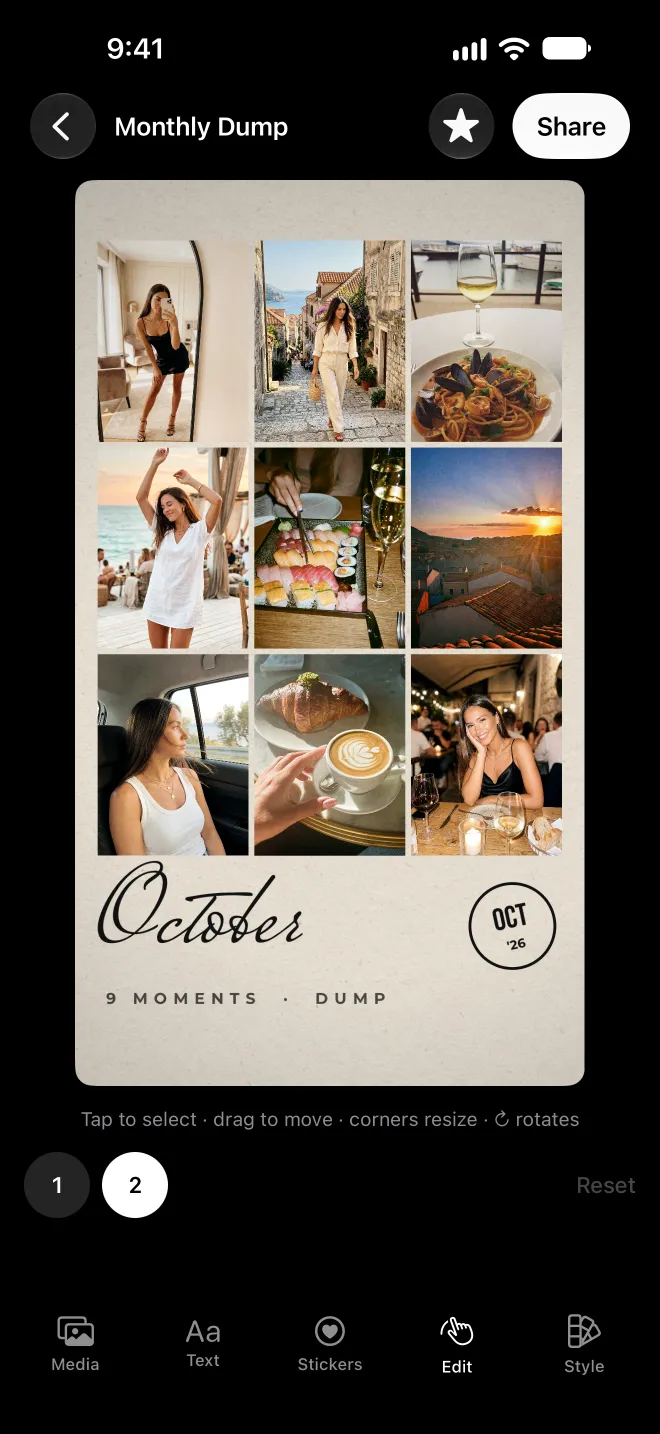
- October: cosy
- November: the people
Don't only pick the big moments. A year in review lands when the quiet months get a photo too: the ordinary Tuesday walk sits beautifully next to the wedding.
Step 3: Choose a format
- The grid. Twelve photos, one per month, laid out on a single page. Easy to read at a glance and great as a still.
- The 12-month story. Each month gets its own moment, with the month's name. It plays like a short film of your year.
- The highlights reel. Fast cuts of 15 to 20 photos and clips on a beat. Big energy, less reading.
Grain has templates for each: Year in Review lays out the twelve months, Four Seasons groups them by season, and Roll Credits closes the year like the end of a film.
Step 4: Open and close strong
Even in chronological order, your cover should be the best photo of the year, not just January's. Lead with it, then run the months in order and finish with a closing image: a sunset, a toast, a last night out. Our ordering guide has more on sequencing.
Step 5: Post at the right moment
The window between Christmas and January 1st is when people are most in the mood for looking back. Save your recap as a 9:16 story or reel (1080 by 1920 pixels), and keep the caption short: "that's a year" says enough.
Questions
When should I post a year in review?
Between Christmas and New Year's Day is the peak, when everyone is looking back. January 1st works too. Posting before mid-December risks leaving out the last weeks.
How many photos should a year recap have?
Twelve is the natural number, one per month, and it fits neatly in a carousel or a story. If you want more, cap it at 20, which is also the carousel limit.
How do I find my best photos from the year quickly?
Start with your favourites and the monthly dumps you already posted. Then search your Photos library by place or season to catch anything you missed.