 Grain
Story and Reel Size Guide for Photo Dumps
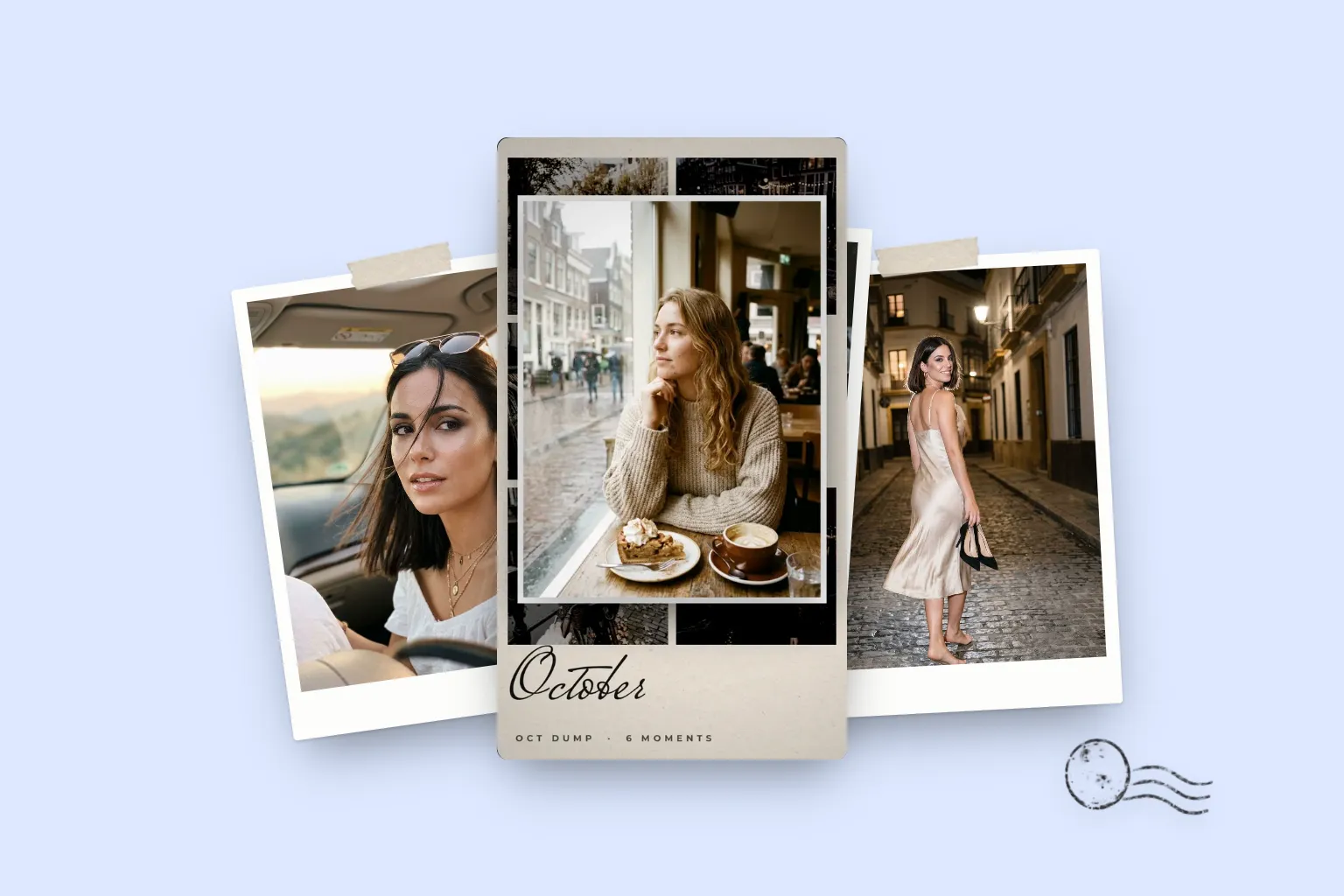
Stories and reels are 1080 by 1920 pixels, a 9:16 vertical frame. Keep text and faces out of the top 250 pixels and the bottom 250 to 340 pixels, where buttons and captions sit. Export at full size so the platform doesn't upscale your photos and soften them.
The numbers
| Spec | Value |
|---|---|
| Size | 1080 × 1920 pixels |
| Aspect ratio | 9:16 (vertical) |
| Safe area for text | About 1080 × 1340 to 1420 pixels, centred |
| Story video length | Up to 60 seconds per story |
| Carousel post | Up to 20 photos and videos |
| Formats | JPG or PNG for stills, MP4 (H.264) for video |
Platform limits change from time to time, so check the app's help pages if a number matters for a campaign. The 9:16, 1080 by 1920 frame has been the stable standard for years.
Safe zones, explained
A story fills the screen, but not all of it is yours. At the top sit your profile picture, name and the progress bar. At the bottom sit the reply field and, on reels, the caption and buttons. Anything placed there can be covered.
Guides differ slightly on the exact numbers. A safe working rule: leave 250 pixels clear at the top and 250 to 340 at the bottom. Use the larger bottom margin if you post reels, where the caption takes more room.
Photos inside a 9:16 frame
Most iPhone photos are 3:4, wider than a story. You can crop to fill the frame, or place the photo inside a layout with a border, which is what most photo dump templates do. Framing keeps the whole photo visible and gives the dump a designed look: prints on paper, a film strip, a grid.
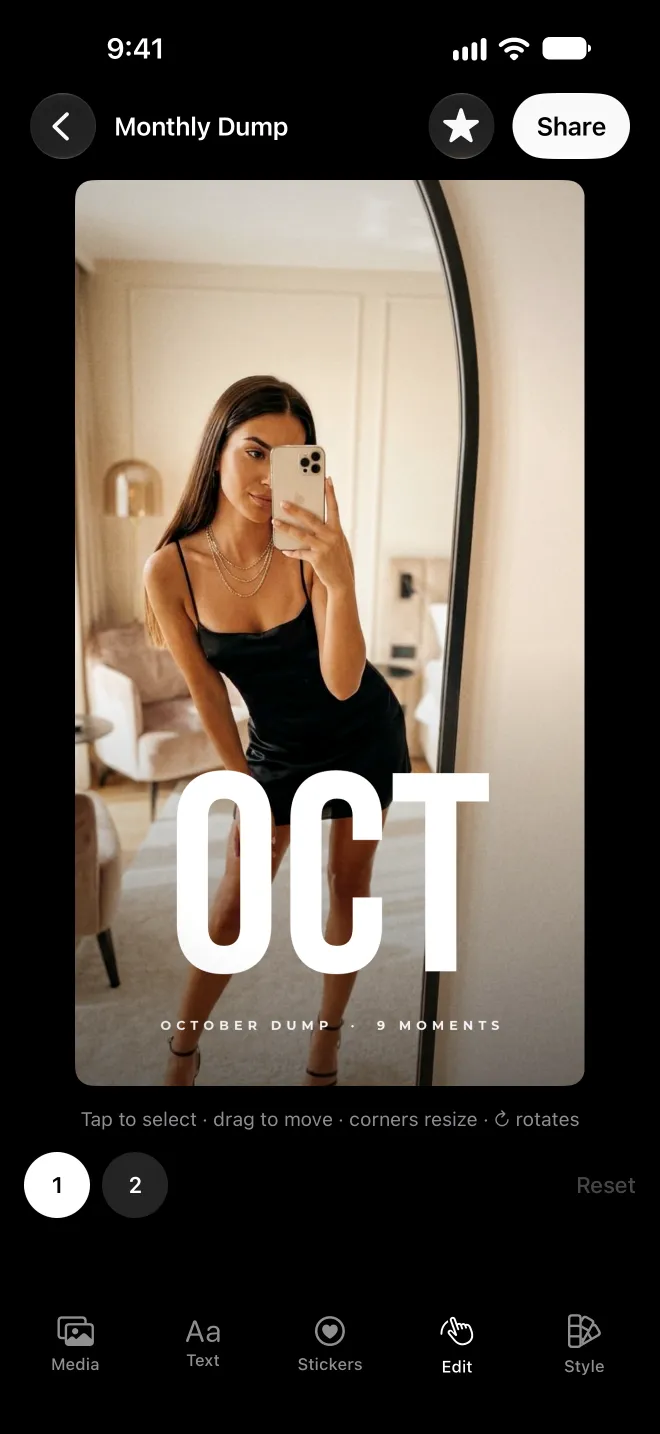
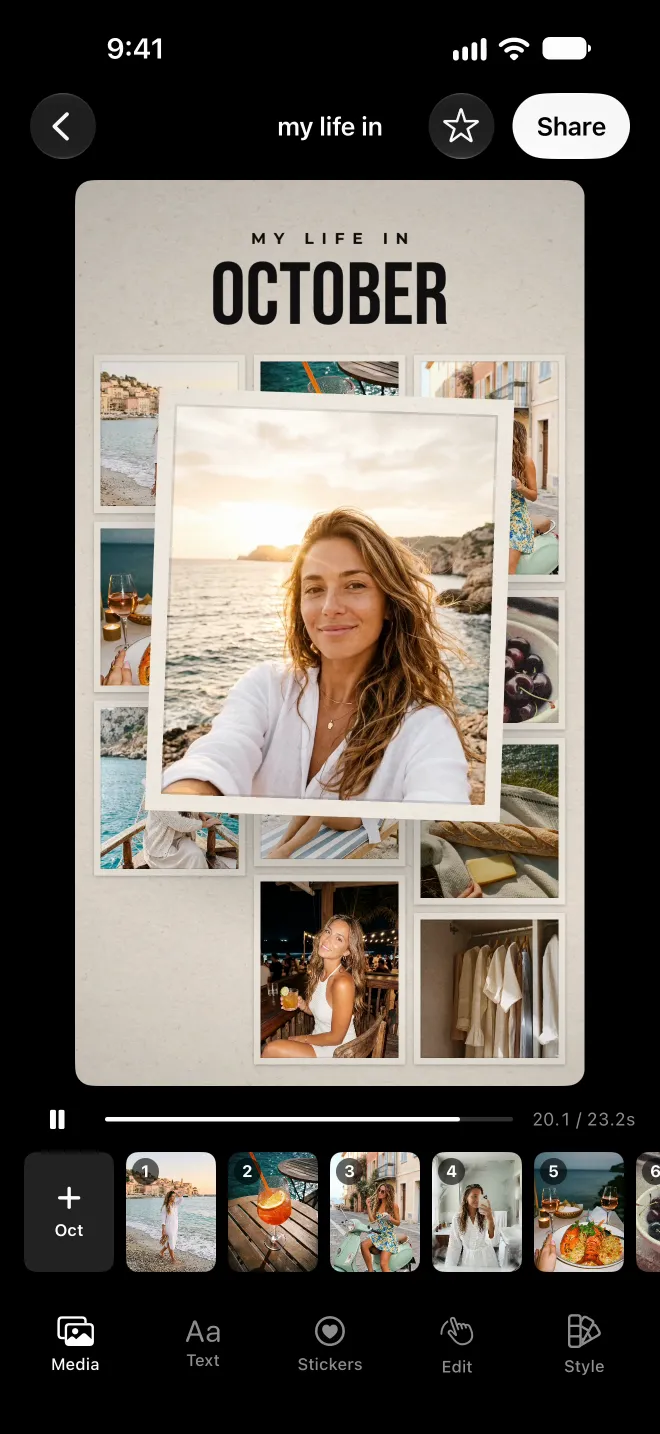
Video clips from an iPhone shot vertically are already close to 9:16 and fill the frame without heavy cropping.
Exporting at the right size
If you build your dump in an app, check the export size. Grain renders every story at exactly 1080×1920, as an MP4 video or a still, and saves it to your Photos library. Its templates are designed for the 9:16 frame, so you can check the finished story full screen before you post it.
Questions
What is the size of a story?
1080 by 1920 pixels, a 9:16 vertical ratio. Reels use the same size. Smaller files get upscaled and can look soft, so export at full size.
What is the safe zone for stories?
Keep text and important details out of roughly the top 250 pixels and the bottom 250 to 340 pixels of a 1080×1920 frame. Profile details, buttons and the reply bar sit there.
How long can a story video be?
Story videos can run up to 60 seconds per story. Longer uploads are split into several stories. Most photo dump stories work best between 10 and 30 seconds.
What size does Grain export?
Grain exports stories at exactly 1080×1920, as a video or a still image, and saves them straight to your Photos library.